I Wanna Love You AI
How to make an I Wanna Love You AI video
There are two ways to join this trend: film it yourself, or upload a photo and let a video model perform it. This guide is about the second path — what to prepare, what to click, and what the finished file will and will not contain.
Step 1 — choose the photo
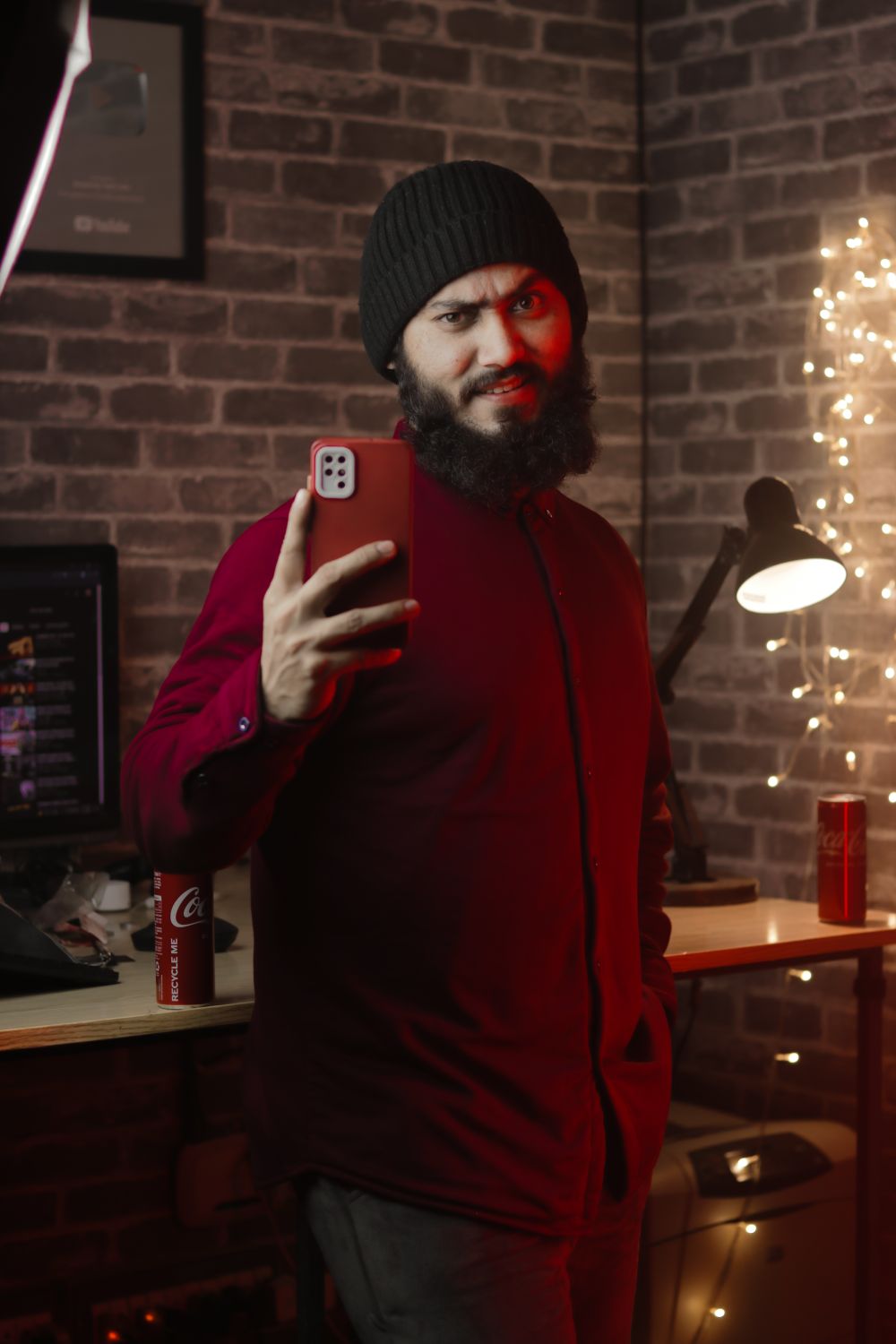
Pick one clear, front-facing photo of one person or pet. Face visible, even light, no sunglasses, no heavy filter. Your own photo, or a friend who agreed. The model reuses the face, hair and outfit, so an outfit you actually like helps.
Step 2 — pick a resolution and pay
480p costs 10 credits, 720p costs 30 and 1080p costs 60. One-time packs never expire; subscriptions lower the price per video. There is no free trial and no signup bonus — the credits you buy are the credits you spend.
Step 3 — generate, download, post
Rendering usually takes 2–5 minutes. When it finishes, watch it in the studio and download the MP4. The clip is silent on purpose: open TikTok, Reels or Shorts, attach the trend sound, and post. If the render fails, the credits return automatically.
Frequently asked questions
How long is the finished video?
12 seconds, vertical 9:16, one continuous take. The length is fixed by the template.
Can I make it without signing up?
Yes. Pay with your email address and we send a private delivery link. Signing in is only needed if you want the clip saved in the studio.
Why is there no sound?
We do not license the song. A silent export lets you attach the platform sound where it is credited correctly.