I Wanna Love You AI
Posting your I Wanna Love You AI video on TikTok
The render is only half the job. The other half is posting it so it looks native: vertical, on-beat, labelled as AI where the platform asks, and with the sound attached inside TikTok rather than baked into the file.
The export is already the right shape
Every render is 9:16 vertical and 12 seconds, which is the shape TikTok, Reels and Shorts expect. Download the MP4, upload it directly, and do not crop it again; re-cropping is what makes a clip look soft.
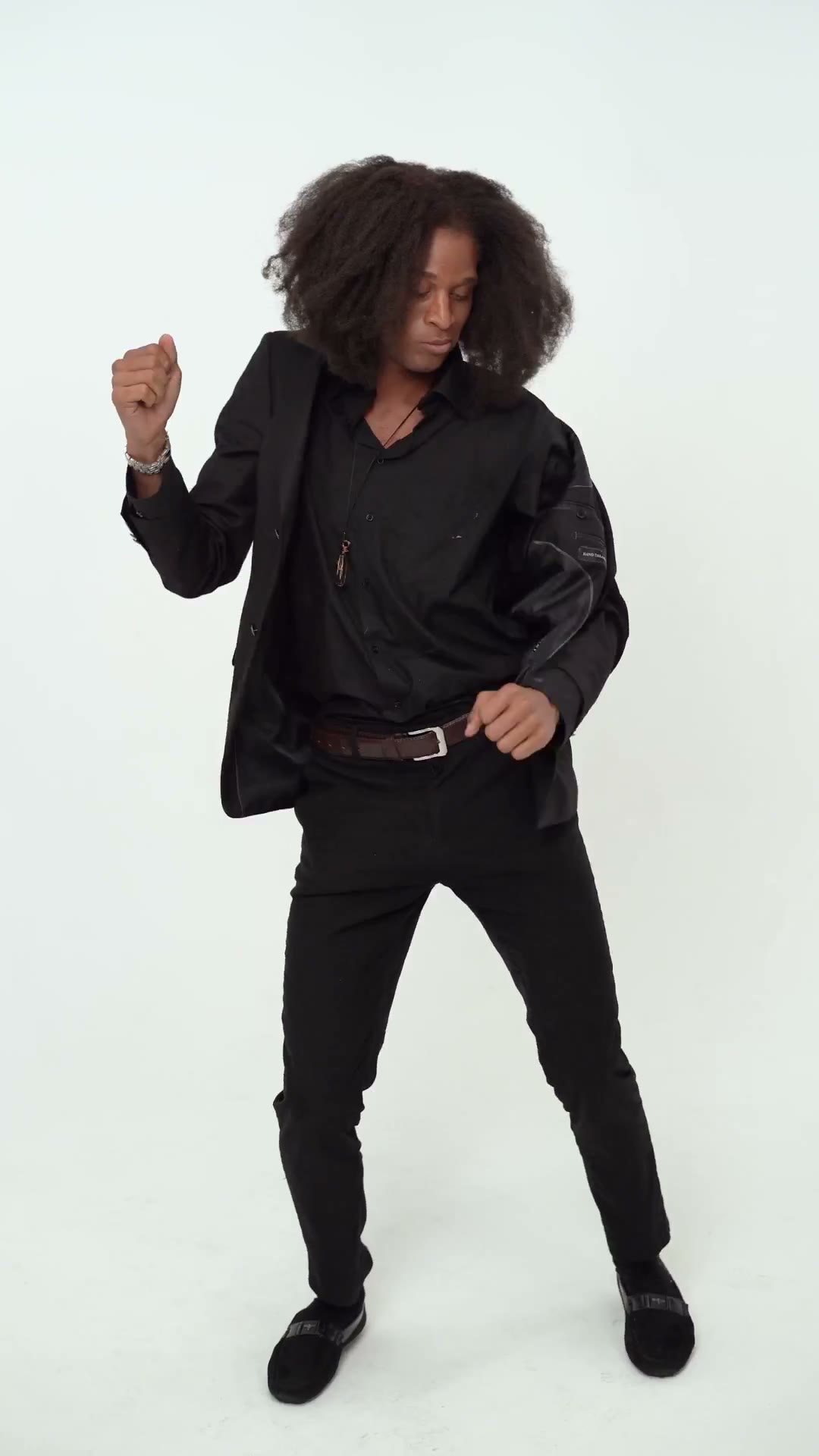
Sound and the AI label
The file is silent. Add the trend sound in the TikTok editor so the platform handles the licence. Turn on the AI-generated content label when the app asks; it is required for realistic synthetic footage and it does not hurt reach.
A caption that matches the search
Say what the video is in the first line: “I Wanna Love You AI video from one photo”. Add the trend hashtags, tag the original sound, and avoid claiming the artists endorsed it. If you used a pet, say so — that is the part people share.
Frequently asked questions
Should I label it as AI?
Yes, when the platform asks. It is a platform rule for realistic synthetic media, and it keeps the account safe.
Can I upload the MP4 directly?
Yes. It is already 9:16 and 12 seconds. Upload it, add the sound in the app, and post.
Why not include the song in the file?
We do not license it. Attaching the sound inside TikTok credits the rights holder and avoids a muted upload.