I Wanna Love You AI
The I Wanna Love You template, without the editing
A template usually means a project file, a timeline and a list of steps you have to get right. This one is a single upload: the staging is built into the generator, and the only decision left is the resolution.
Template versus generator
A CapCut template still asks you to import footage, line up cuts and export. The generator takes a photo and returns the finished clip. If you already have footage you love, an editor is the right tool; if you want your face in this specific routine, the generator is faster.
What is fixed, what is yours
Fixed: the night-court setting, the close selfie framing, the lean-back, the timing and the 12-second length. Yours: the face, hair, skin tone, glasses and outfit from your photo. That split is why one photo is enough.
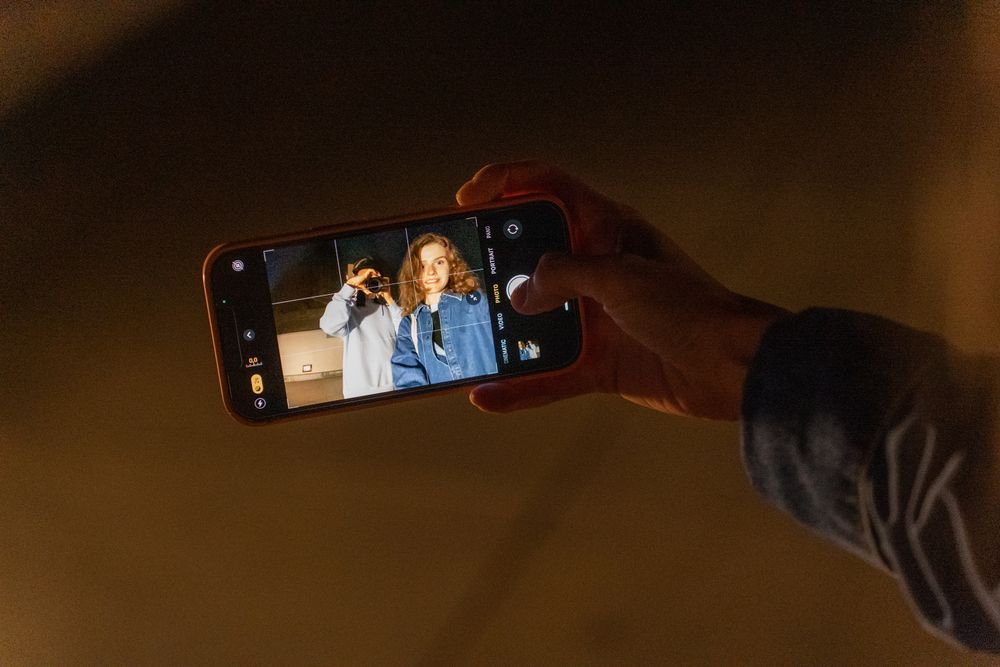
Before you upload
Use a clear, front-facing photo with even light. One person or pet. No celebrity, no stranger, no child. The content check runs before the model, so an unusable photo is refused before any credits are spent.
Frequently asked questions
Do I need CapCut?
No. The generator produces the clip; you can add the sound in TikTok, Reels or Shorts. CapCut is only useful if you want to edit further.
Can I change the scene?
Photo mode keeps the night-court staging. Text mode lets you describe a different scene, but the result will not be the same trend template.
Is the template free?
No. A 480p render is 10 credits, 720p is 30 and 1080p is 60. There are no free credits or trial renders.